Join in 2026: free until March 1, 2027, then 50% off the first year.
See Pricing & plans to learn more →Lab software for laser and photonics groups.
CoveLab is one workspace for an experimental lab: what you own and where it is, what partner labs can lend you, the optical setup on the table, and the record of the experiment.
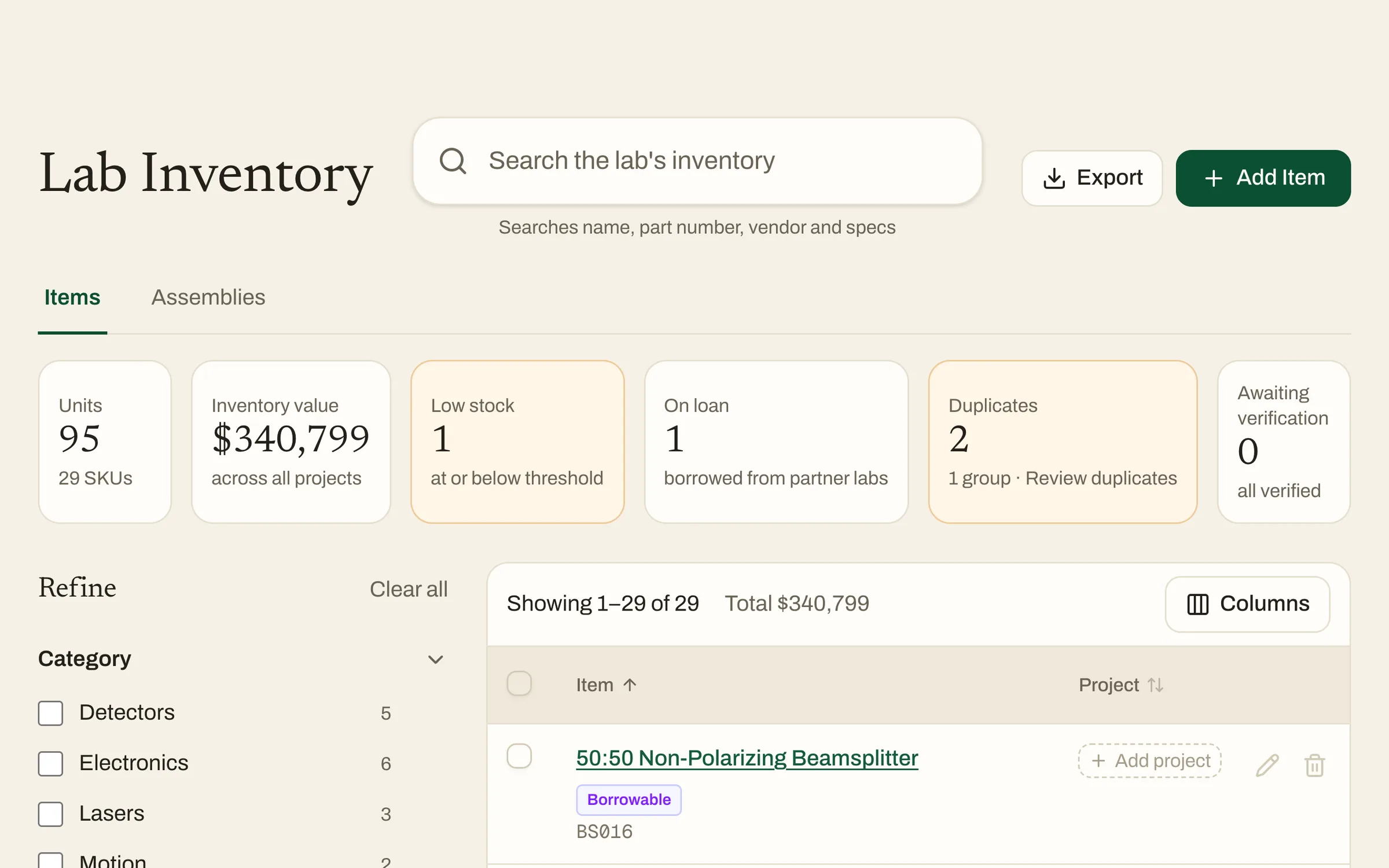
Know what you own, and where it is.
Every item in the lab, searchable in seconds.
- Import the spreadsheet you already have, or add items one at a time.
- Split a quantity by condition and location, and give every item a home location.
- Catches duplicates before you buy the same part twice.
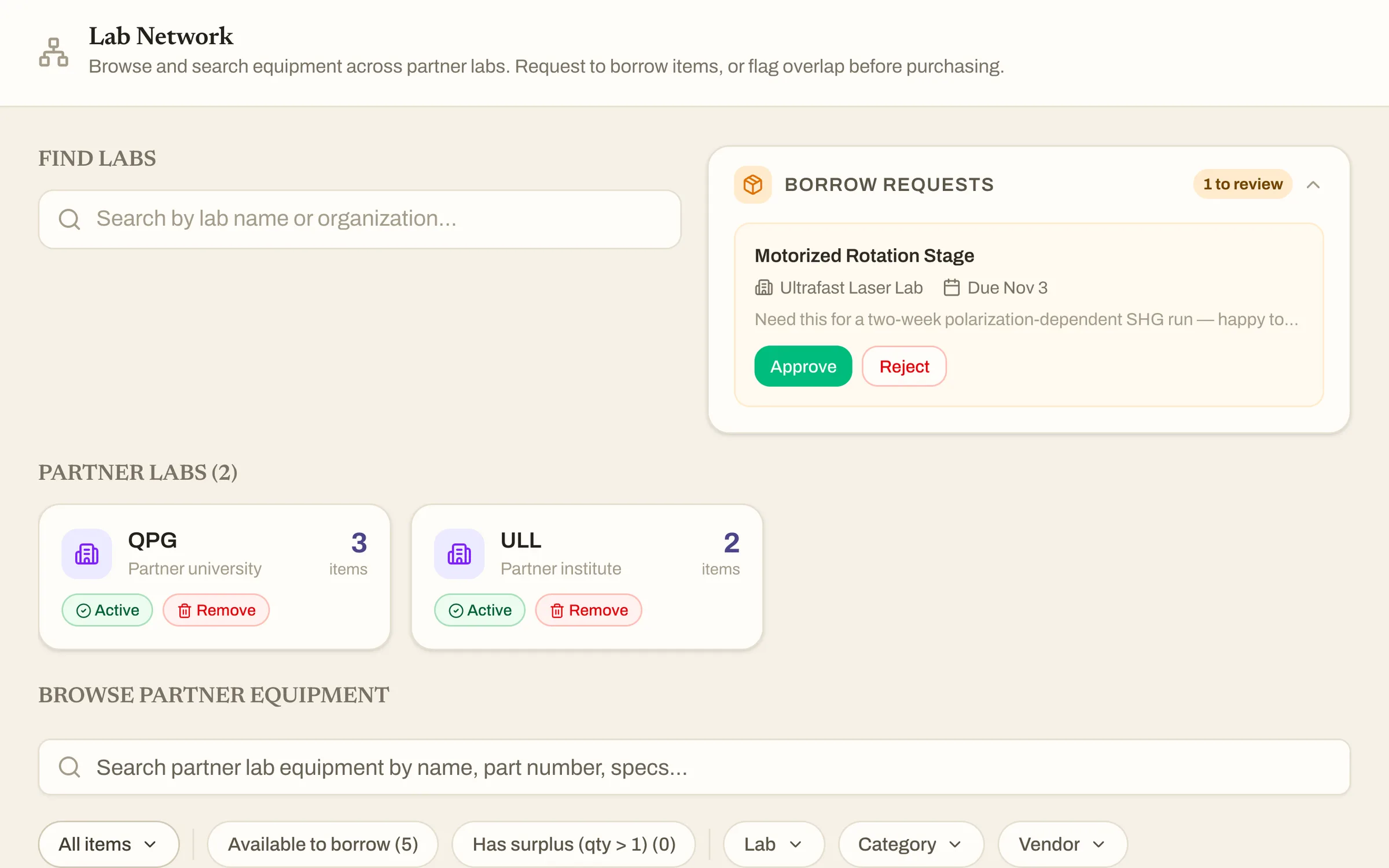
Borrow before you buy.
Link with partner labs and see what they are willing to share.
- Search partner labs' shared equipment next to your own.
- Request a loan, track it while it is out, and mark it returned.
- Each lab decides what it shares.
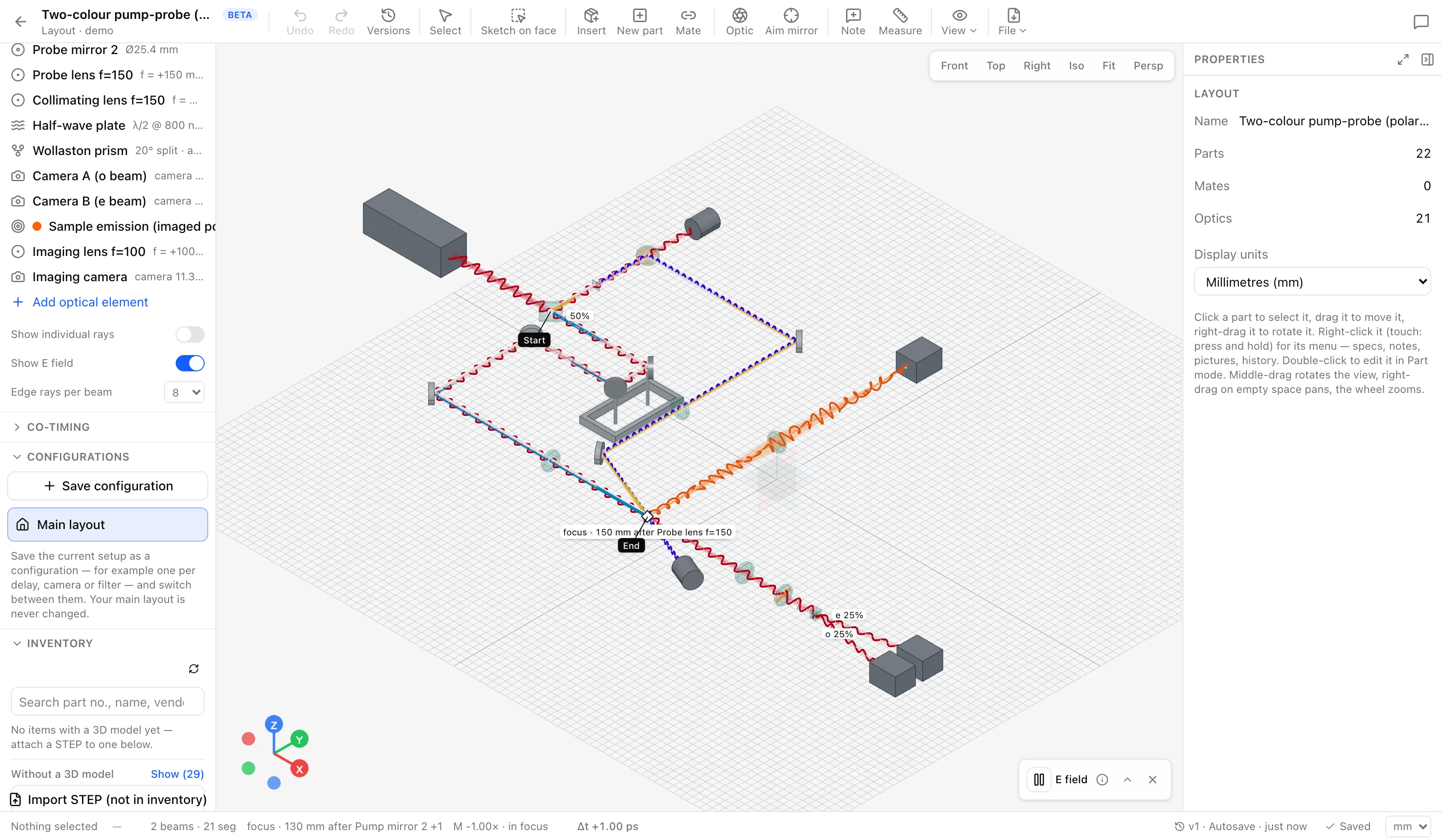
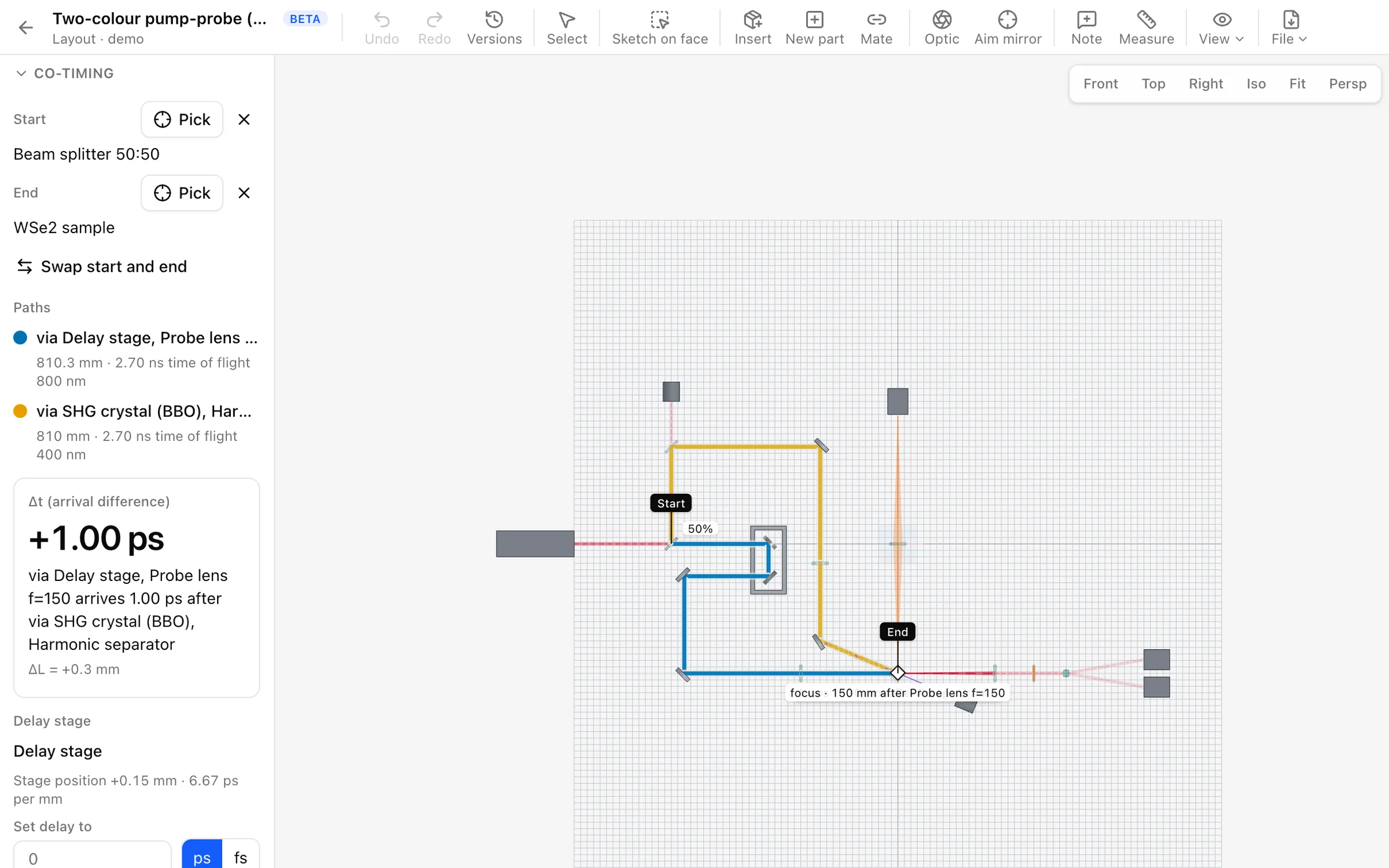
Design the setup before you build it.
A 3D optical bench that traces real beams.
- Lenses, crystals, waveplates, polarizers and delay stages, with the electric field drawn along the beam.
- Read the time delay between two arms, then move the delay stage to set it.
- Link each part to your inventory, import STEP models, and design adapter plates with hole tables and drawings.
Run the experiment and keep the record.
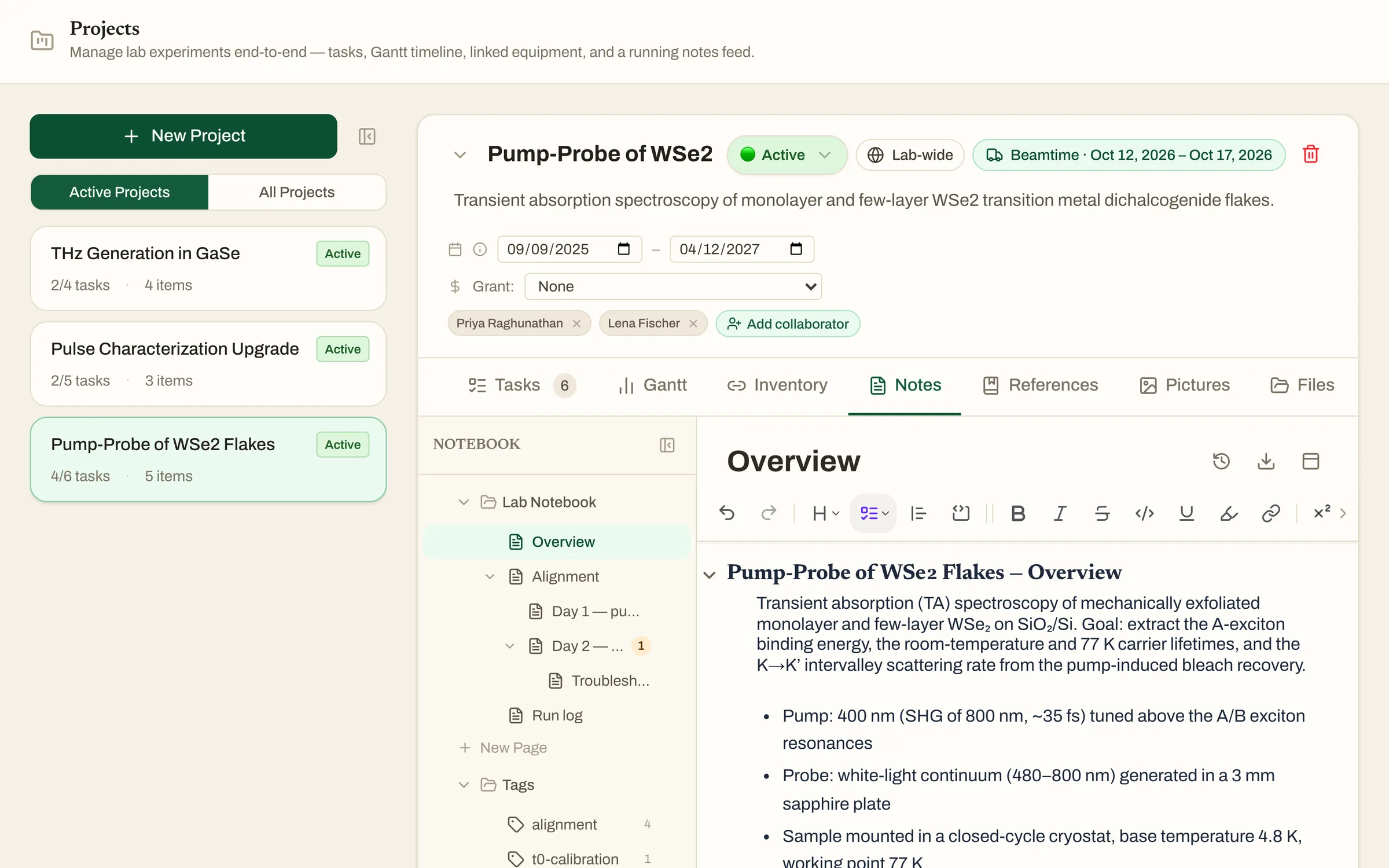
Everything about an experiment in one project.
- A notebook the whole group edits at the same time, with tags, mentions, images and drawings.
- A shot log and scan planner for beamtime and long runs.
- Tasks with a timeline, files, pictures and the equipment the project uses.
Ask for it in plain English.
An AI assistant that works across the lab's data and can act in the app when you ask.
- “Do we have a half-wave plate for 800 nm, and where is it?”
- “Add a delay stage to the probe arm.”
- “Add today's alignment notes to the pump-probe project.”
Create your lab
Set up a workspace and invite your group.
Bring your inventory
Import a CSV from the spreadsheet you use now, then link partner labs to share equipment.
Start a project
Lay out the setup, plan the run, and keep the notebook as you go.
See CoveLab with your own lab in mind.
Tell us about your lab and we'll walk you through it.
Questions? Talk to us.
Questions, feedback, or interested in CoveLab for your lab, facility or company? Send us an email.
covelab.io@gmail.com